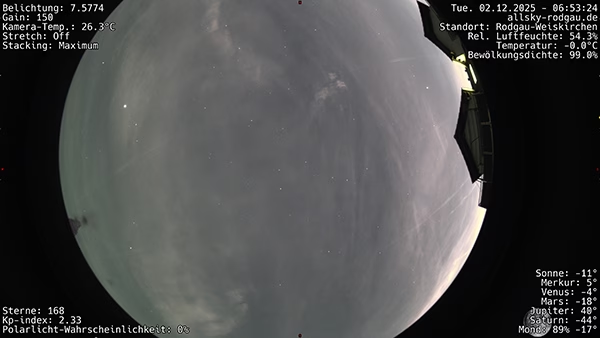
 With a few small tweaks to the plugin that I use for integration, the live image from my Allsky camera is loaded again at lightning speed.
Sometimes you can’t see the wood for the trees – even when coding 😉
With a few small tweaks to the plugin that I use for integration, the live image from my Allsky camera is loaded again at lightning speed.
Sometimes you can’t see the wood for the trees – even when coding 😉
The standard SSH port 22 is a popular target for attackers. If you want to additionally secure your Raspberry Pi, you can simply change the port for SSH access. In this guide, I will show you step by step how to do this.
It makes sense to update indi-allsky at regular intervals. The easiest way to do this is via the console:
 I use the indi-allsky software for my Allsky camera (more information here!). There have been very rare occasions when my camera has stopped responding – and of course you want to be able to look at last night’s images when you’re out and about. allsky-rodgau.de does offer a live image, but not such an extensive archive as the software. That’s why I found out how to access the camera from “outside”.
After setting up the myFRITZ! release, I wanted to make my Allsky camera accessible under its own subdomain.
To do this, I first set up the myFRITZ! share as described here. I then created a so-called CNAME entry for the subdomain at my web host all-inkl.com.