Automatic indi-allsky backup on external drive (Fritzbox NAS)

In this article, I describe how I back up my indi-allsky installation on my Raspberry Pi fully automatically to an external hard disk.

The official indi-allsky documentation describes very well what should be backed up – but leaves open how to turn it into a reliable, automated backup.

In my setup, indi-allsky runs permanently on a Raspberry Pi. The backup is not done locally, but on an external SSD on a Fritzbox, connected via SMB.

*** Update – please have a look at my new backup-strategy here! ***

The aim was to consistently implement the recommendations from the official documentation: Backup and Recovery – indi-allsky and to expand it to production readiness:

  • external target
  • automatic backups
  • integrity checks
  • time-based retention
  • Mail notification in case of errors

…and this is how I proceeded!
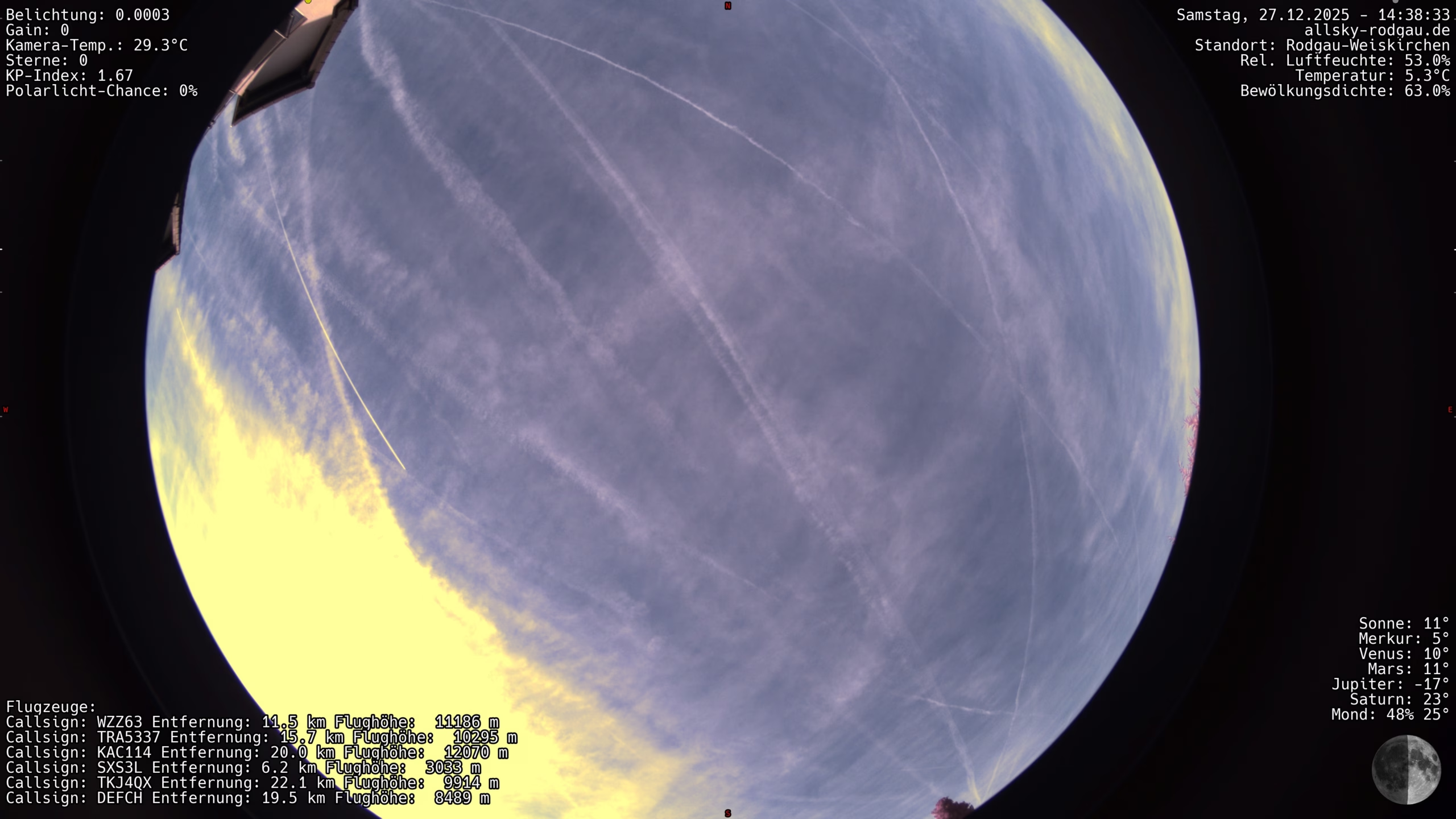
indi Allsky live images in WordPress – structure and functionality of my plugin

Ccd6 20251227In this post, I’ll show you how I solved the integration of an Allsky live image in WordPress using my own plugin.
The goal was a high-performance display without unnecessary loading times – with server-side image optimization, automatic updating of the preview image and an overlay for the original image.

In addition, an integrated fallback informs the user if the camera or connection is temporarily unavailable.

Just check out my Liveview to see what the plugin does! 

The basis for using the plugin is:

  • the availability of indi-allsky on the web – for example under your own subdomain
  • a cleanly running WordPress installation – REST is not required
  • optional Polylang for multilingualism

In the following, I will explain the structure and the individual function blocks of the plugin step by step. You can also find the download link below.

Digital picture frame with Allsky images: Update with timelapse videos on the Raspberry Pi

After using the basic version of my Raspberry Pi setup as a digital picture frame for a few weeks in everyday life, it was clear that the system was stable – but the dashboard itself could be significantly improved.

I have described the basis here:
Raspberry Pi as a digital picture frame in kiosk mode – hardware, setup & troubleshooting

This update builds exactly on this and describes the final, corrected version, which is now running permanently and unattended.

Raspberry Pi 5: Replace microSD with NVMe SSD and migrate system cleanly

I have moved my Raspberry Pi system from a microSD card to an NVMe SSD. Specifically, a 512 GB NVMe is now being used via a PCIe HAT. The aim was to make the system more robust, faster and more stable in the long term.

microSD cards are sufficient for many Raspberry Pi projects, but quickly reach their limits when used continuously with many write accesses. In my case, I run indi-allsky, image storage, database access and regular uploads, among other things. An NVMe SSD is simply the better choice for this: higher performance, significantly longer service life and less risk of file system problems.

In the following, I describe step by step how I migrated the existing system from the microSD to the NVMe during operation.

indi-allsky Watchdog: Automatic reboot in case of camera problems with systemd and Bash

Bitchy USB cameras like the ZWO ASI678MC, cheaply made cables, temperature fluctuations: Raspberry Pi-based all-sky cameras are technically demanding. Even stable setups with indi-allsky can get into a state where no more new images are generated – without the process itself crashing.

This article shows a robust, tried-and-tested watchdog solution that works independently of indi-allsky internals:
An external watchdog monitors the actual image production (JPGs) and automatically restarts indi-allsky as soon as the data flow stalls. Optionally including e-mail notification.