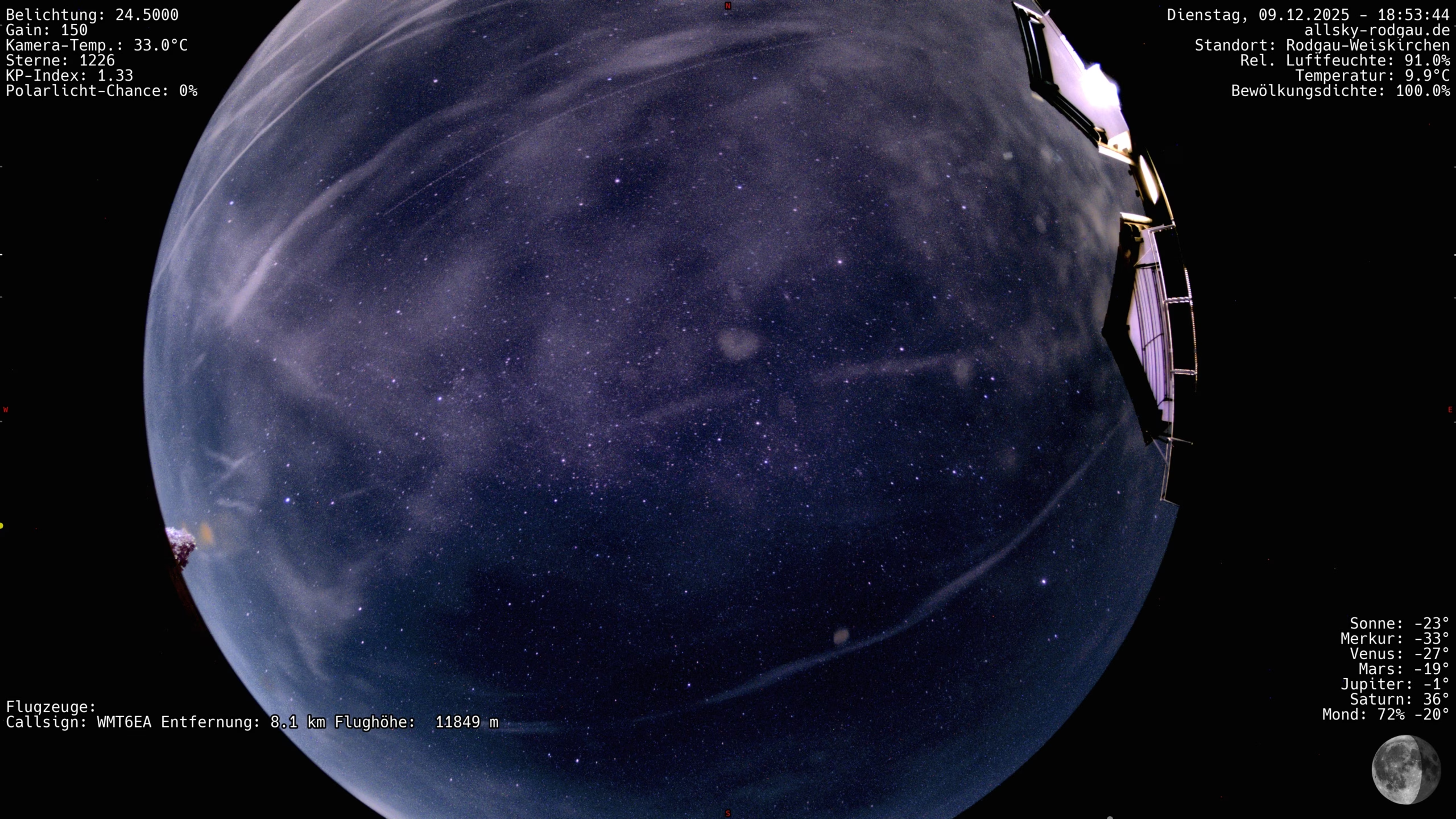
An all-sky system must be able to switch perfectly between day, twilight, night and back again. There is also a special case that is often underestimated – the moon. Particularly bright phases of the moon can quickly push cameras to their dynamic limits and lead to overexposed areas of the sky or incorrectly set exposure times. This article explains how to configure indi-allsky so that transitions are smooth and the moon mode is only activated when it is really needed.
Why the transition between day and night is challenging
While daytime provides clearly defined lighting conditions, the lighting changes continuously at dusk. For the camera, this means
- The brightness does not decrease linearly, but in phases.
- The sky remains blue for a long time and only turns dark late in the day.
- Automatic exposure systems react sensitively to clouds, reflections and stray light.
To ensure that indi-allsky recognizes this transition phase correctly, the software is based on the height of the sun above the horizon. The parameter NIGHT_SUN_ALT_DEG defines the point at which the camera switches to night mode.
Recommendation for stable day/night changes
NIGHT_SUN_ALT_DEG = -10
This value is a good compromise: the camera does not switch to a dark mode too early (which produces blue-grey images), but also not too late, so that stars become visible quickly. In addition, a moderate deviation for the ADU target value is recommended to compensate for short-term cloud changes.
The moon as a special case
The moon can have a massive influence on the night system – even a half-bright phase is enough to:
- make the sky appear significantly brighter,
- outshine stars in regions close to the moon,
- greatly shorten exposure times.
For this purpose, indi-allsky offers the Moon Mode, which is automatically activated when certain conditions are met:
- the height of the moon is above a certain limit,
- the moon phase exceeds a certain brightness.
The following configuration has proven to be practical for a system such as the ASI678MC:
NIGHT_MOONMODE_ALT_DEG = 10
NIGHT_MOONMODE_PHASE = 40
These settings ensure that the moon mode is only activated when the moon is really relevant for the exposure conditions. Very low moon positions or narrow crescent phases do not trigger the function.
Potential problems of an incorrectly set moon mode
- Moon mode activates too early → images appear pale and overcorrected
- Moon mode remains off although the moon dominates → overexposure, reduced contrasts.
- Frequent switching → inconsistent exposure series in timelapse.
The ideal setting depends on the location (light pollution, moon orbit, reflections due to fog or high fog), but the above values provide a stable anchor point for Central European conditions.
Recommended strategy in practical use
- Strictly separate day and night – do not transfer any daytime stretching values into the night.
- Keep the transition phase large enough (sun elevation -10°) to avoid unnecessary switching.
- Set moon mode deliberately restrictive – rather too seldom than too often.
- After clear nights, check whether the ADU target value is being achieved.
A complete configuration guide with all relevant values for the ZWO ASI678MC can be found here!