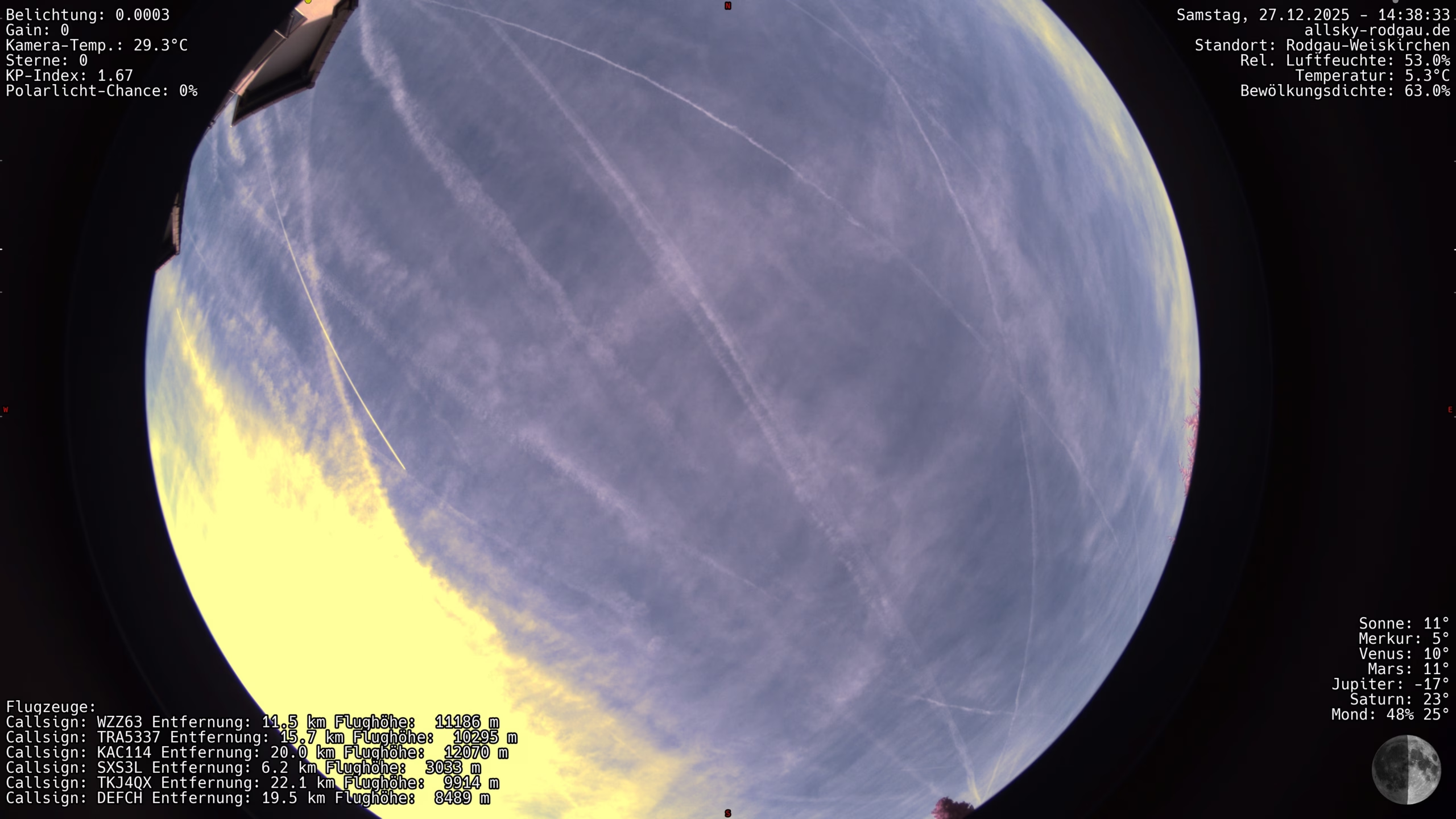
indi Allsky live images in WordPress – structure and functionality of my plugin

Ccd6 20251227In this post, I’ll show you how I solved the integration of an Allsky live image in WordPress using my own plugin.
The goal was a high-performance display without unnecessary loading times – with server-side image optimization, automatic updating of the preview image and an overlay for the original image.

In addition, an integrated fallback informs the user if the camera or connection is temporarily unavailable.

Just check out my Liveview to see what the plugin does! 

The basis for using the plugin is:

  • the availability of indi-allsky on the web – for example under your own subdomain
  • a cleanly running WordPress installation – REST is not required
  • optional Polylang for multilingualism

In the following, I will explain the structure and the individual function blocks of the plugin step by step. You can also find the download link below.
Raspberry Pi as a digital picture frame in kiosk mode – hardware, setup & troubleshooting

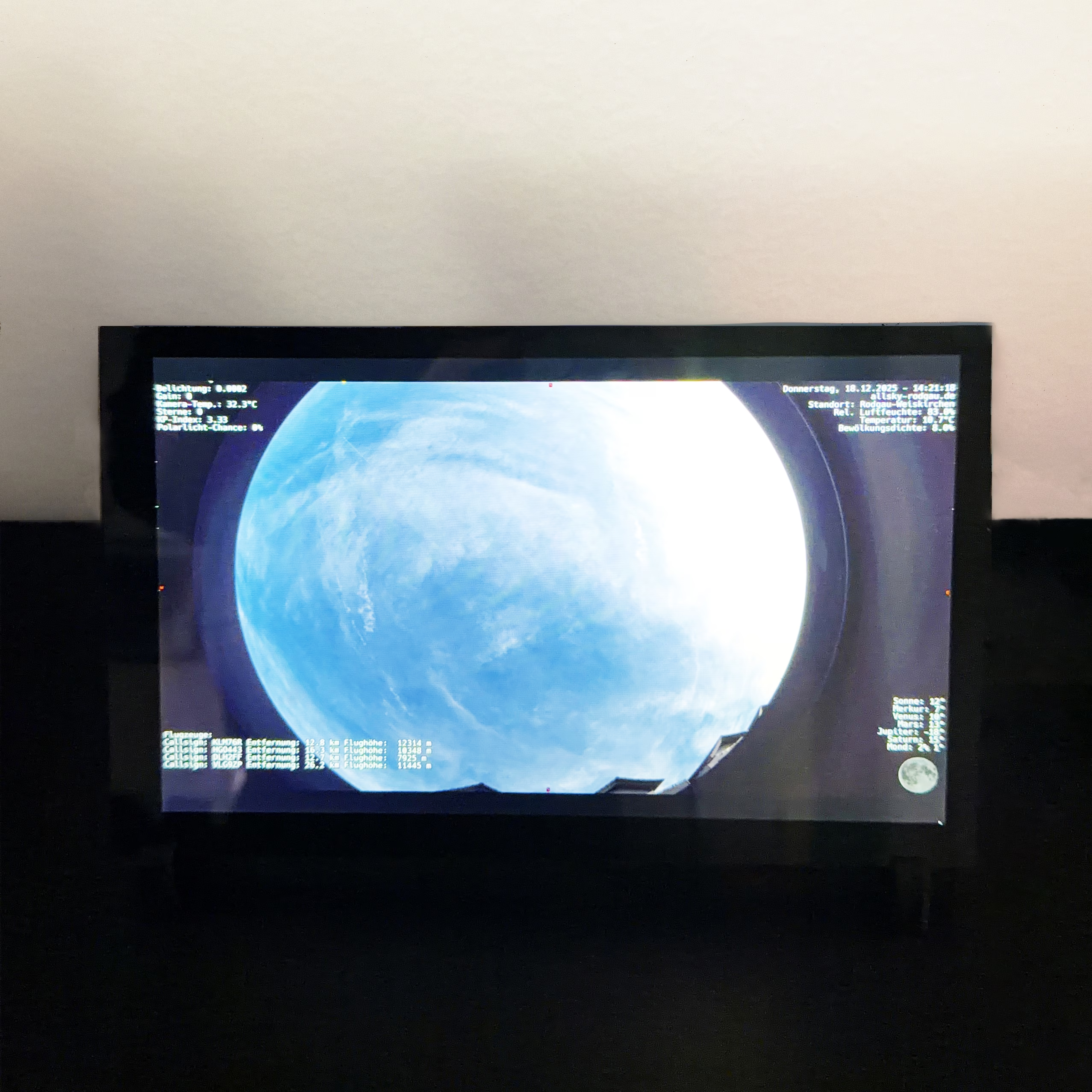
External displayI had the crazy idea of building a digital picture frame to display the latest photo from my Allsky camera. The main trigger was the realization that indi-allsky with Redirect Views makes it really easy to always display the latest picture. And the second realization: touch displays aren’t even that expensive.

In this article, I document a tried-and-tested setup with Raspberry Pi 4, HDMI touch display and Chromium in real kiosk mode – including typical pitfalls and their solutions.

Hardware setup

The following components were used for the setup:

  • Raspberry Pi 4 (2-8 GB RAM)
  • HDMI touch display (10.1 inch, 1280×800) – available e.g. from a large Chinese online retailer – detailed information here
  • MicroSD card (min. 32 GB)
  • Separate power supply for Raspberry Pi and display
  • USB touch cable + HDMI cable

Contrary to the manufacturer’s instructions, I use neither a Y-cable nor a loop-through solution for the power supply of Pi and display, but a dual-port power supply (USB-C for the Pi, USB-A/micro-USB for the display).

indi-allsky: Always deliver the latest image or video automatically via Redirect Views

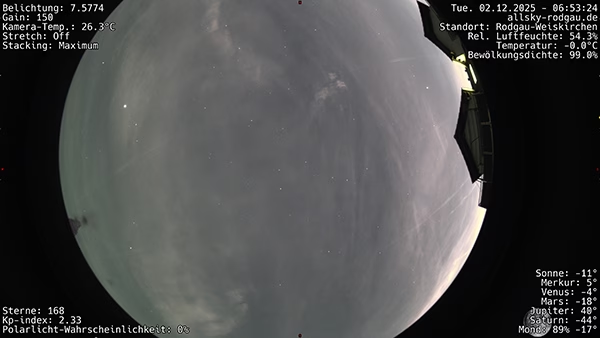
Beispielbild aus der Allsky-Kameraindi-allsky comes with everything you need to always provide the latest image or video from the Allsky camera via redirect. This means that websites, blogs or dashboards can be provided with “live” views of the camera without much tinkering.

I use the whole thing on this page:
Live image from the Allsky camera in Rodgau-Weiskirchen

Share Allsky camera via FRITZ!Box on the Internet

myFRITZ!LogoI use the indi-allsky software for my Allsky camera (more information here!). There have been very rare occasions when my camera has stopped responding – and of course you want to be able to look at last night’s images when you’re out and about. allsky-rodgau.de does offer a live image, but not such an extensive archive as the software. That’s why I found out how to access the camera from “outside”.